
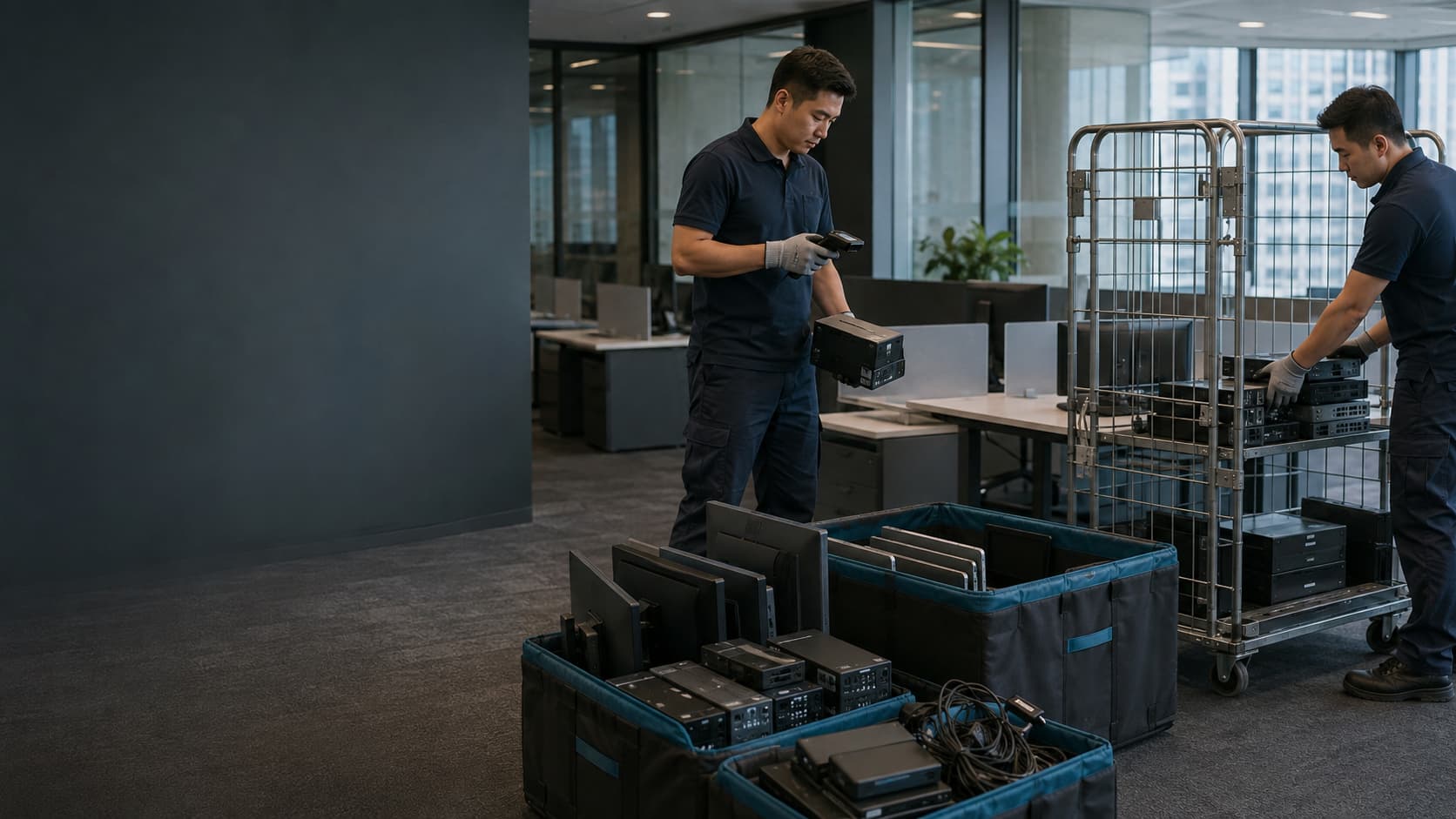
Office IT clearance for moves, closures and refreshes
Office IT clearance without the loose ends.
Destruc helps businesses plan the removal of retired computers, monitors, network equipment and workplace electronics during relocations, closures and technology refreshes. We scope the asset mix, site access, data risk and intended route before collection begins.
- Asset mix
- Site access
- Project timing
- Data requirements
Build the clearance brief
Four details turn an office clear-out into a workable IT clearance plan.
An office IT clearance should be scoped around the site, the equipment decisions, the exit route and the deadline. A computer count alone can miss storerooms, comms equipment, building restrictions and assets that are moving somewhere else.
List the work areas, meeting rooms, storerooms and comms spaces involved. Include other floors or buildings rather than treating the project as one collection point.
Useful input: photos or floor planIdentify equipment that will relocate or be redeployed, then isolate the assets intended for retirement. Flag leased items and anything that may contain business data.
Useful input: list or marked-up photosConfirm lift and loading-bay arrangements, parking, security procedures, permitted working hours and any building requirements that could affect removal.
Useful input: access and booking notesShare the final working day, available removal window and lease or contractor handover deadline. Note whether staff or other trades will still be working on site.
Useful input: target date and sequenceRoom-by-room scope
Most office IT clearances are bigger than the desk count.
Review the whole site, not only the visible computers. Meeting rooms, storage cupboards and comms spaces often contain shared equipment, spare devices, cables and data-bearing hardware that need a decision before the office is handed back.
- Monitors
- Desktops
- Docking stations
- Keyboards and mice
- Desk phones
- Displays
- Conference devices
- AV equipment
- Shared printers
- Spare laptops
- Chargers
- Cables
- Old peripherals
- Boxed equipment
- Network devices
- Storage hardware
- UPS units
- Loose media
These examples help define the review; acceptance, handling and the appropriate service route should be confirmed for the actual equipment before collection.
Coordinate the clearance window
The clearance works only when people, IT and building access line up.
Plan an office IT clearance backwards from the site handover. Removal should begin after the equipment is released from use, its data instruction is clear and the agreed route from room to vehicle is available.
If one track changes, update the clearance programme before crews, other contractors or the building handover are affected.
Discuss your clearance windowRelease before removal
Clear the site without clearing the wrong equipment.
Every asset should have one release decision before it is moved: stay, move, return or retire. If ownership, destination or data status is unclear, hold the item as an exception instead of making the decision at the loading bay.
Unclear items stay visible. Create an exception area for missing approvals, unknown ownership, unlabelled storage media or equipment that does not match the agreed scope.
If the estate contains working, damaged and end-of-life assets requiring broader disposition decisions, see IT equipment disposal.
Data risk during a clear-out
An empty office can still be full of data.
Identify data-bearing equipment before it joins the general removal flow. Office clearances uncover laptops, drives, phones, network devices and shared equipment in several rooms at once. Each item needs a known owner and treatment instruction before it is released.
Check desktops, servers, storage media, mobile devices, network equipment and shared printers or copiers that may hold business information or configuration data.
Logical erasure may preserve equipment for reuse. Physical destruction may be selected where reuse is not intended or the agreed risk requirement calls for it. The methods are not interchangeable.
A collection record or asset list does not by itself prove data treatment. Confirm what service evidence is required and what is available for the agreed scope.
Do not mix loose media into a general cable or accessories box. Separate it, record the exception and obtain the correct instruction.
Discuss data requirementsClearance-day sequence
How should an office IT clearance run on the day?
Use one site lead, release the office by zone, keep asset routes separate and finish with a documented exception check. This prevents active equipment, loose data media and unresolved items from disappearing into the general clear-out.
Confirm the contact, working hours, access route, released zones and building requirements before removal begins.
Open one agreed area at a time. Keep active, excluded and third-party equipment visibly outside the removal scope.
Keep move, return and retire groups distinct. Hold data-bearing or unidentified items until their instruction is clear.
Move released equipment through the agreed exit route and keep changes or exceptions visible to the project lead.
Recheck every scoped room, staging area and cupboard, then reconcile remaining equipment and unresolved exceptions.
Stop rule: an asset without release approval, known ownership or a clear data instruction stays in the exception area until the project lead decides the next step.
Site close-out
What should be confirmed before the office is handed back?
A proper handover confirms the scoped areas have been checked, identifies anything left behind and records where each released asset group is going. “The office looks empty” is not enough when equipment has been moved, returned, retained or retired through different routes.
Agree the close-out detail before the project starts. The right format depends on the scope, the asset information available and the evidence your internal teams need.
Plan the site handoverRooms, cupboards, staging areas and shared spaces reviewed against the agreed clearance scope.
Active, excluded, third-party and unresolved items are visible rather than treated as missed clearance.
Move, return and retire groups remain distinct, with uncertain items held for a decision.
Each exception has an owner and a next decision, instead of disappearing after the collection team leaves.
Handover principle: close the site only when completed scope and remaining actions tell the same story.
Project reviewBefore you book
Office IT clearance questions worth settling early.
The fastest route to a workable plan is clarity about the site, deadline, asset groups and exceptions. These are the questions that usually change the scope—not filler added for search engines.
Have a floor plan, asset list or handover date already? Include it with your enquiry, even if the information is incomplete.
Discuss your clearance01 What information is needed to scope an office IT clearance?
Start with the address, target date, floors or rooms involved, approximate asset mix and the required route for each group. Building access, loading restrictions, working hours, stairs or lifts, active equipment and known data-bearing devices can all affect the plan. An incomplete list is still useful if the uncertainties are clearly marked.
02 Can an office IT clearance be planned around staff who are still working?
Yes—when live areas, released zones and working windows are agreed before removal begins. A phased floor-by-floor or room-by-room plan helps keep active equipment outside the clearance scope. Any requirement for evening, weekend or restricted-hours work should be confirmed during planning.
03 Which items should be kept outside the clearance scope?
Exclude anything still active, leased, owned by a third party, personally owned or awaiting an internal decision. Mark these items visibly and keep them out of collection areas. Equipment with unclear ownership or no approved data instruction should be treated as an exception, not assumed to be unwanted.
04 How should data-bearing equipment be handled during an office clear-out?
Identify and separate data-bearing equipment before it enters a general removal stream. The required treatment—such as an agreed erasure or physical-destruction route—should be decided by asset type, intended disposition and your security requirements. Do not assume that collection alone confirms data treatment.
05 Can equipment be relocated or returned instead of disposed of?
Yes—an office clearance should not treat every released asset as waste. Equipment may need to move to another office, return to a lessor or supplier, stay for redeployment, or enter an agreed retirement route. Label these groups before clearance day so they remain physically and operationally separate.
06 Does office IT clearance include desks, furniture and general waste?
Not automatically. This service page focuses on business IT equipment, related electronics and the controls needed to release them from an office. Furniture, fixtures, confidential paper and general waste should be identified separately and confirmed as included or excluded before a quotation is agreed.
07 How much lead time should we allow before the office handover date?
Allow enough time to confirm ownership, release decisions, data requirements and building access before the final move-out window. The practical lead time depends on volume, site rules, number of locations and how complete the asset information is. Bring the clearance team in early when the handover date is fixed or several internal teams must approve the scope.